Logbook allows you to log all of the actions taken to the staff. From warnings, promotions, demotions, even username changes.
Creating a Post
ℹ️ You'll need the permission Post to Logbook to create a post.
-
Go to the Staff's Logbook
Firstly, head over to the Staff’s Directory Profile. In there, go to the Logbook tab.
-
Create a Post
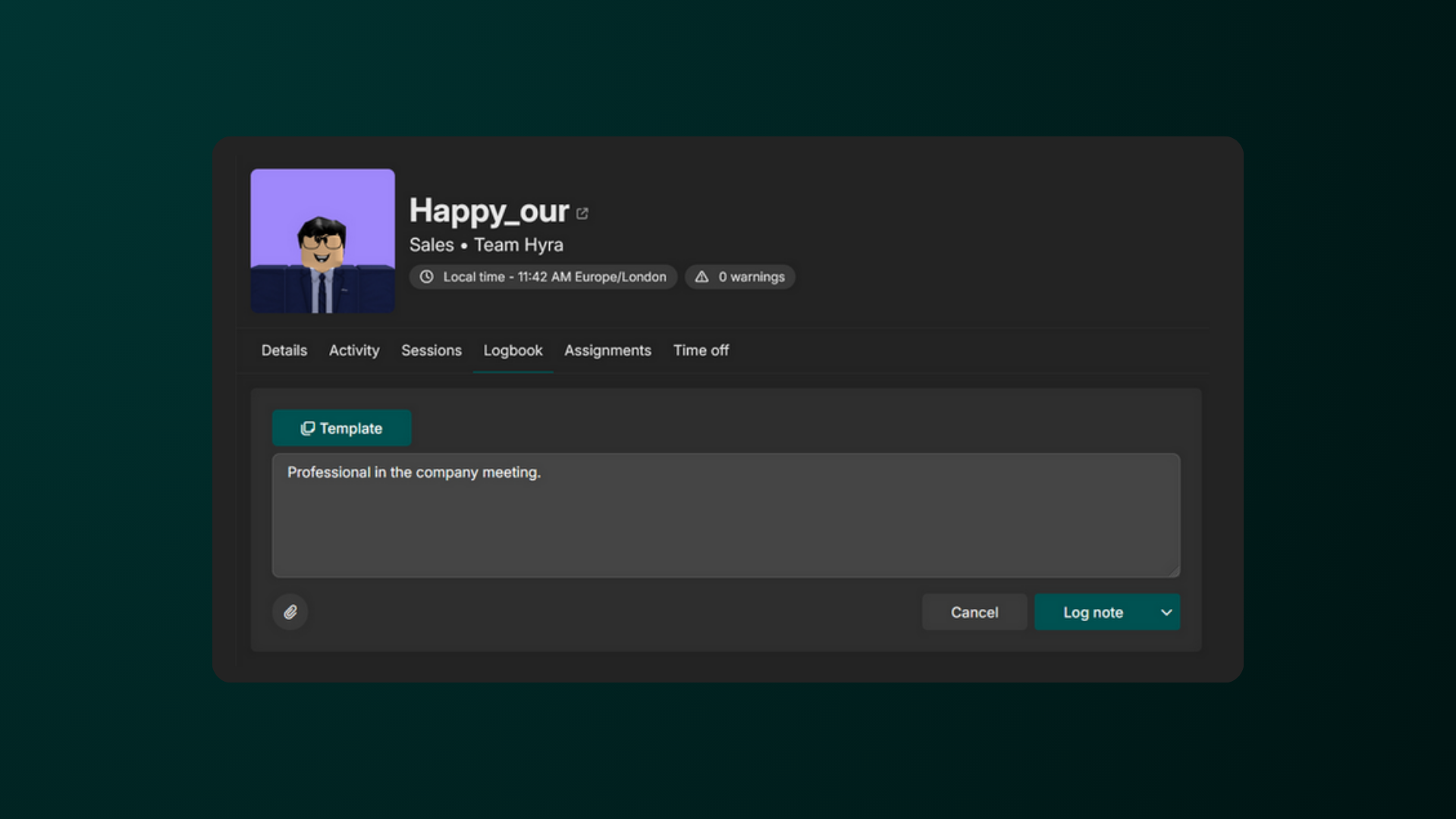
To create a post, click Create Logbook Entry, then type in your comment. You can then upload attachments by clicking the paperclip button on the bottom-left.
Once done, hit Log Note. You can also find the different options by clicking the drop down next to the button.
💡 Extra Logbook Features
-
For Warnings, you can set them to expire automatically after a certain amount of days.
-
For those who have the Auto Ranking Addon, you can now change the rank of users based on the logbook action.
-
You can also copy from a template by clicking the Template button at the top-left.
To delete a post (if available), simply just click the trash icon on the top-right corner of the post