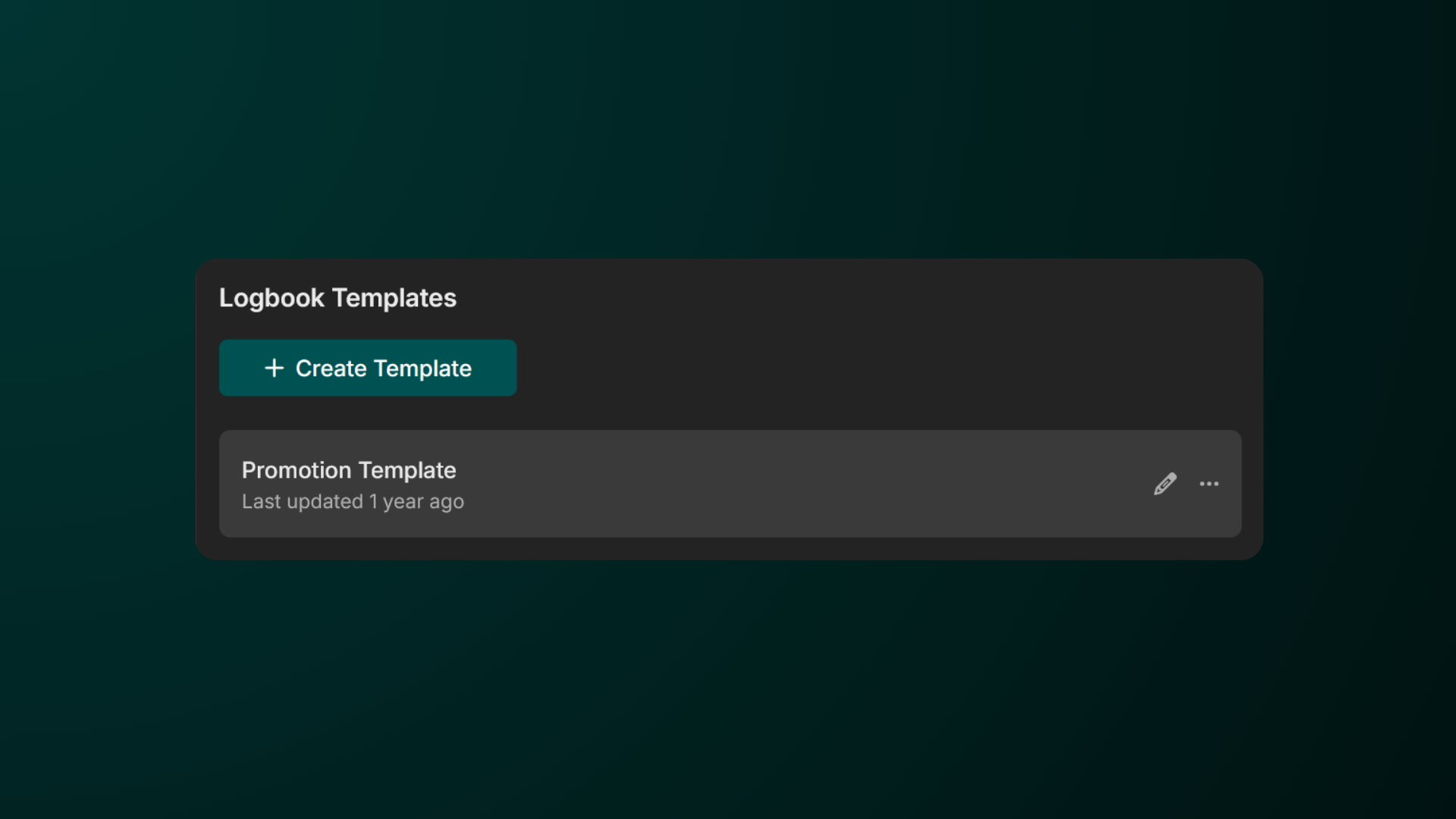
Under Workspace Settings, we have made extra tools to help you manage logbook data. From cloning someone's logbook to another and creating logbook templates to make consistent logbook posts.
Cloning Logbook Posts
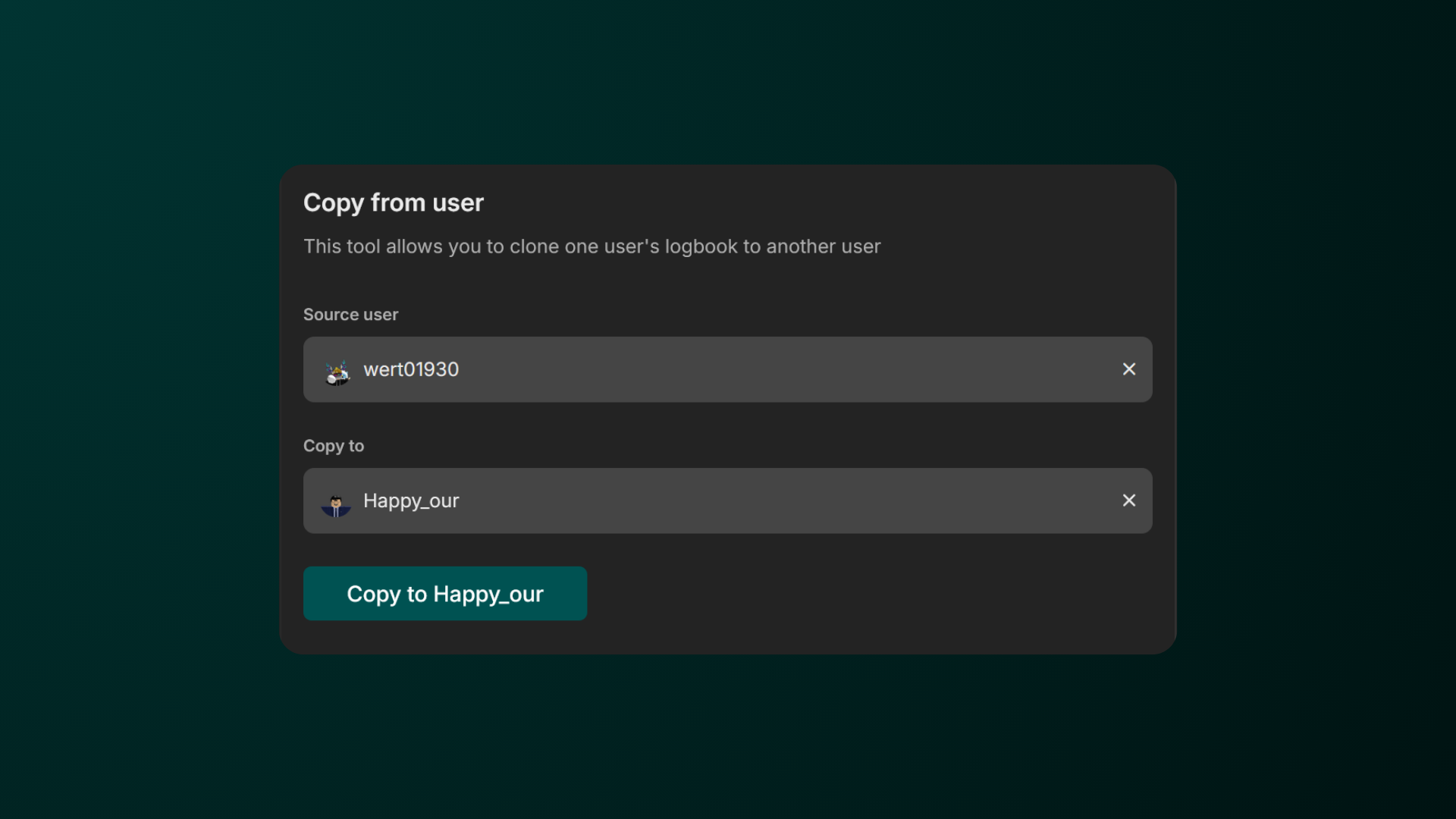
Cloning Logbook Posts allow you to transfer the logbook of one user’s to another.
-
Go to the Copy from User Page
Firstly, head over to the Workspace Settings > Logbook > Copy from user. -
Fill in all of the fields
Fill in all of the fields, from the source user and the user that will get the logbook, and hit Copy to user
Creating Logbook Templates
Creating Logbook Templates allow you to conveniently copy and paste a template to your logbook post.
-
Go to the Logbook Templates Page
Firstly, head over to the Workspace Settings > Logbook > Templates.
-
Create a Logbook Template
Click Create Template, give it a name and the content below.