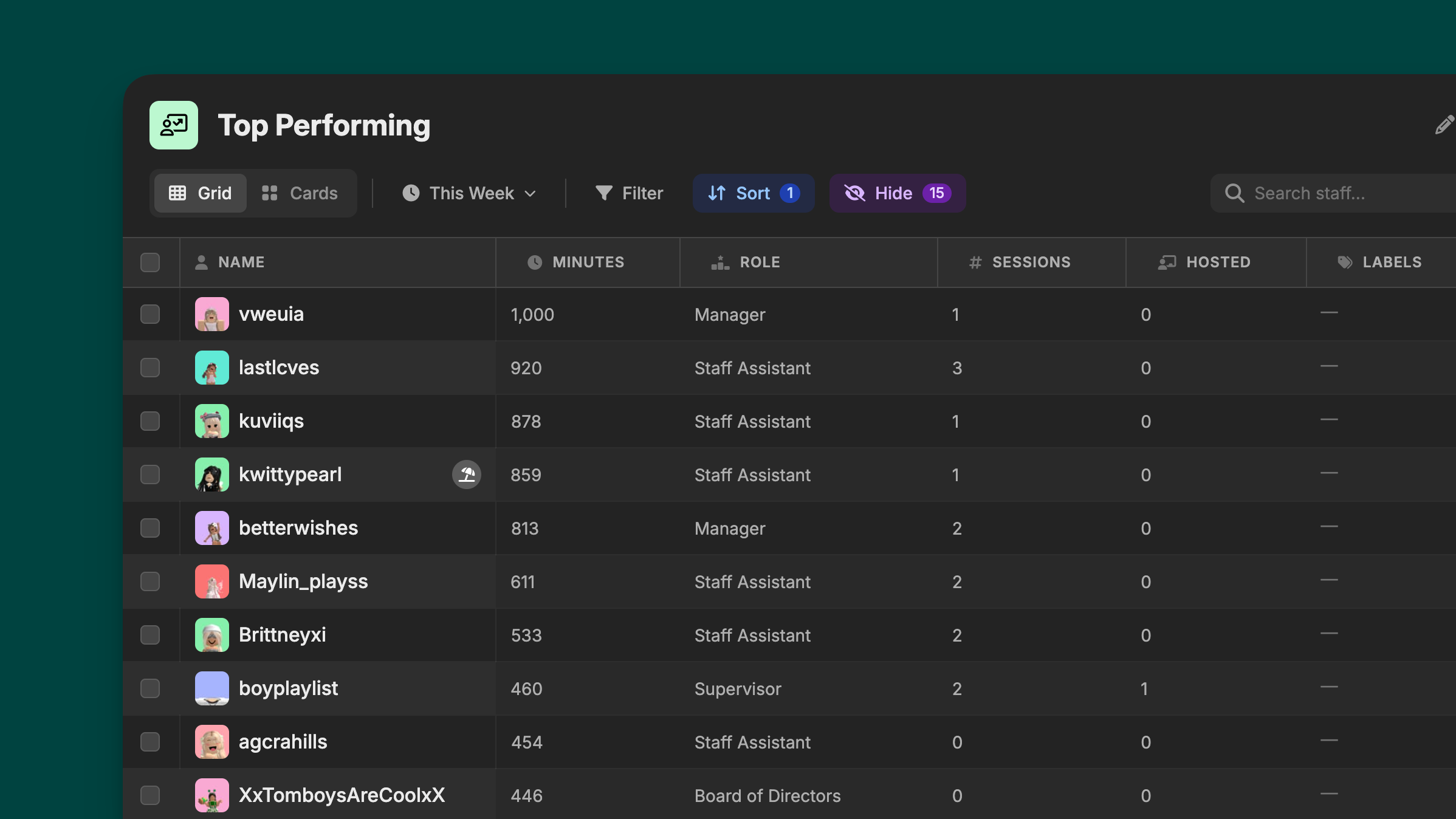
Staff views are how workspace admins can view information about their employees all at once. Hyra’s design is made to help you efficiently manage your community.
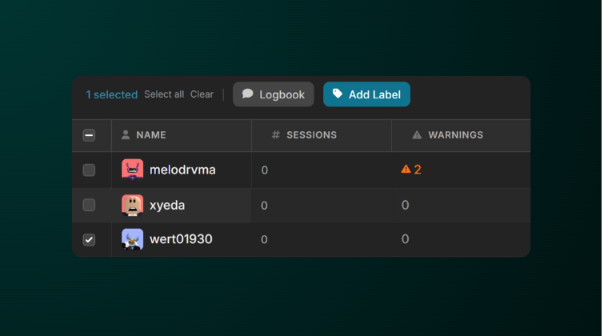
On the new Views, you are now also able to select multiple staff members and do certain actions like create a logbook post or add a label to the selected staff members.
View Tools
Under the Views tab, we've made multiple tools to help you manage your staff member.
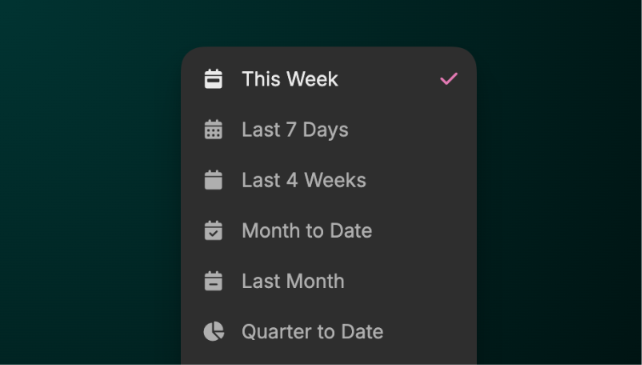
Date Range
This is a tool to adjust the date range from this week to even all time records.
Filter
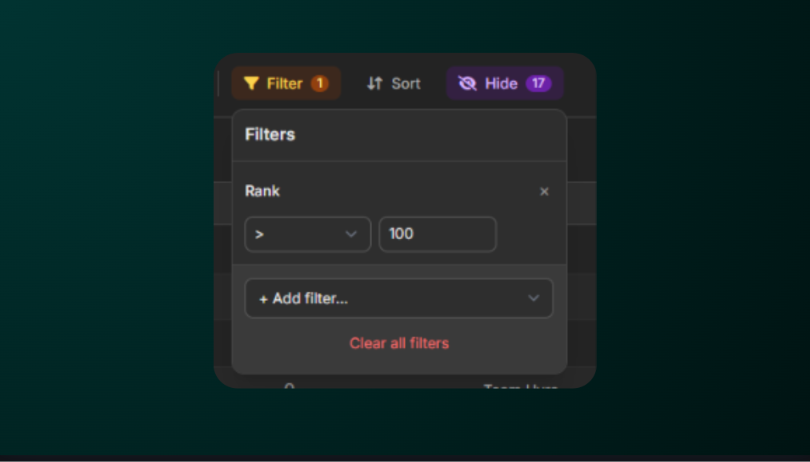
Filter allows you to filter staff that doesn’t fit any of the requirements you’ve set. You can do this to filter which staff are at a certain rank, has a certain label, and many more!
To do this, click Filter and click Add Filter, select a property that you want to filter out, select from the drop down the filter type and it’s value.
Sort
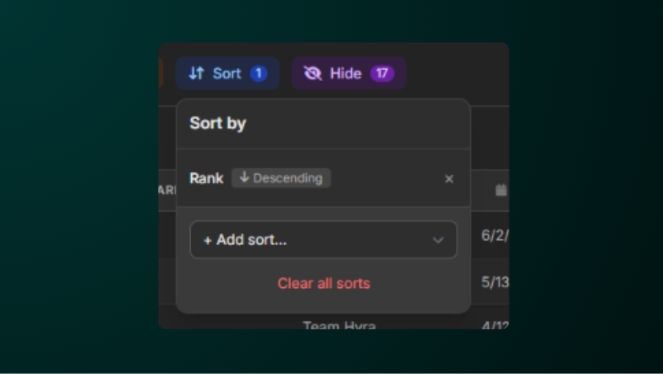
Sorting staff allows you to sort the staff, this is to neatly organize them by rank, or by their username, or more.
To do this, click Sort and click Add sort, same as filter, select a property that you want to sort out, and click the 'Descending' or 'Ascending'.
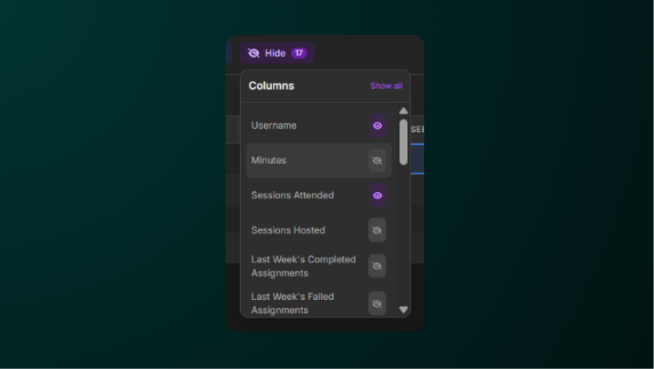
Hide Columns
When creating new views, only some will be shown. If you need extra information, Hide Columns solves this issue.
Hide Columns allows you to select which columns will only be shown to the View. To do this, click Hide button, and select which columns will be shown or not.