Keeping track of inactive notices is an important part of managing staff time off and absence requests.
ℹ️ You'll need the permission Manage Timeoff Requests to manage Timeoff Requests.
-
Go to the Timeoff Page
Firstly, go to the Timeoff Page by going to Staff > Timeoff.
Here you will see the staff that are out of office and all of the pending requests below it. -
Decide Whether to Accept or Deny
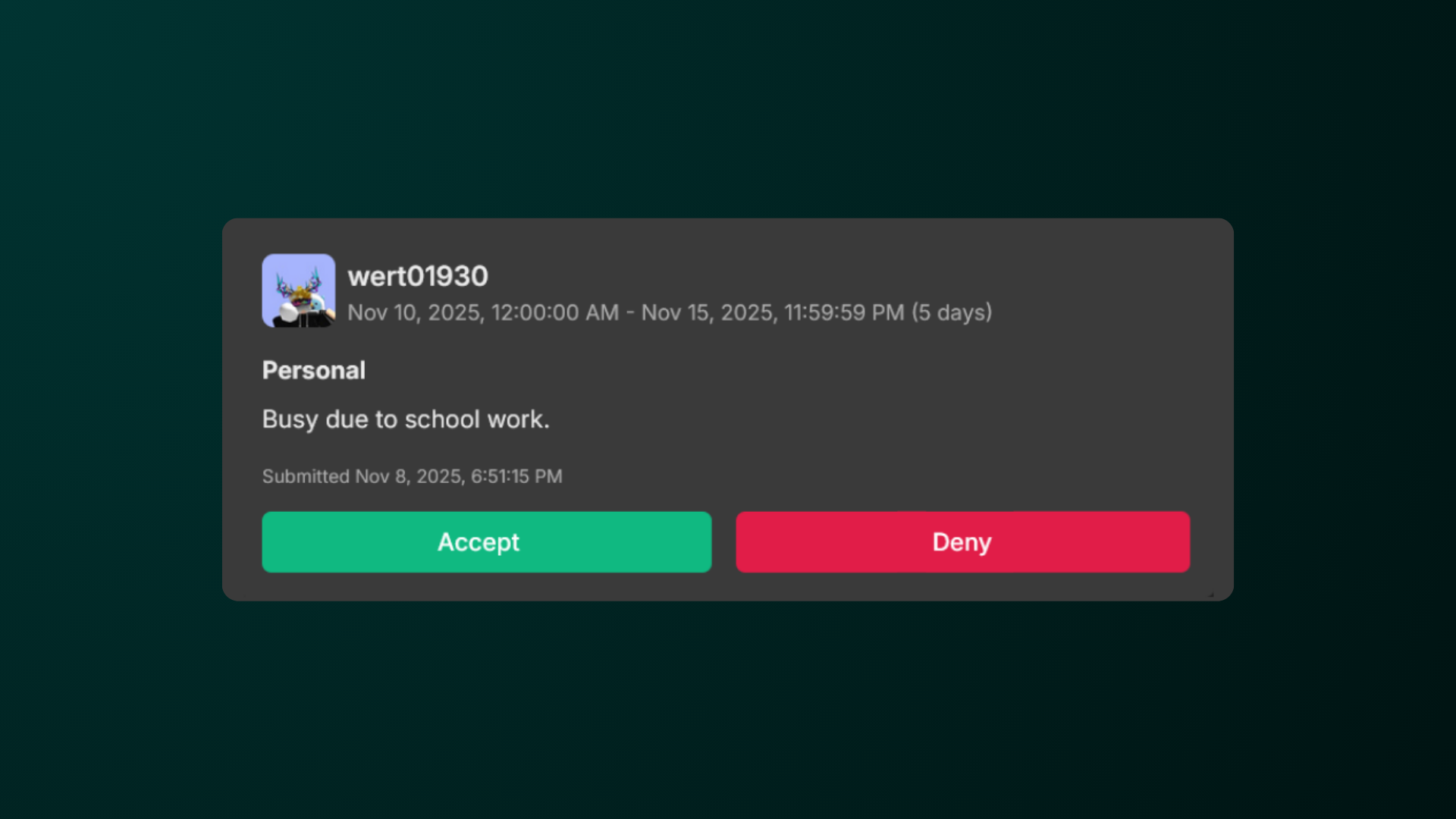
To accept a time off request, click Accept. To deny a request, select Deny.
Viewing Staff Members in Views
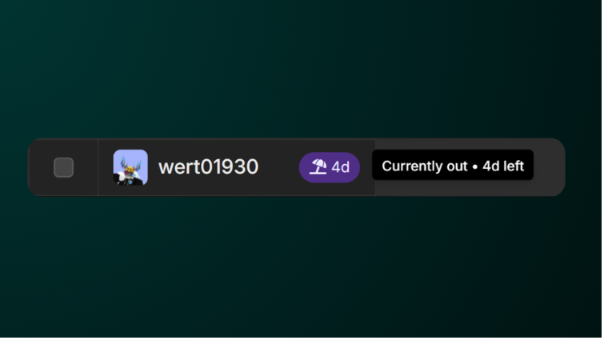
You are able to view staff members who are currently in time off by looking for the umbrella (⛱️) icon. By hovering on it, you are able to know how long are they currently out.
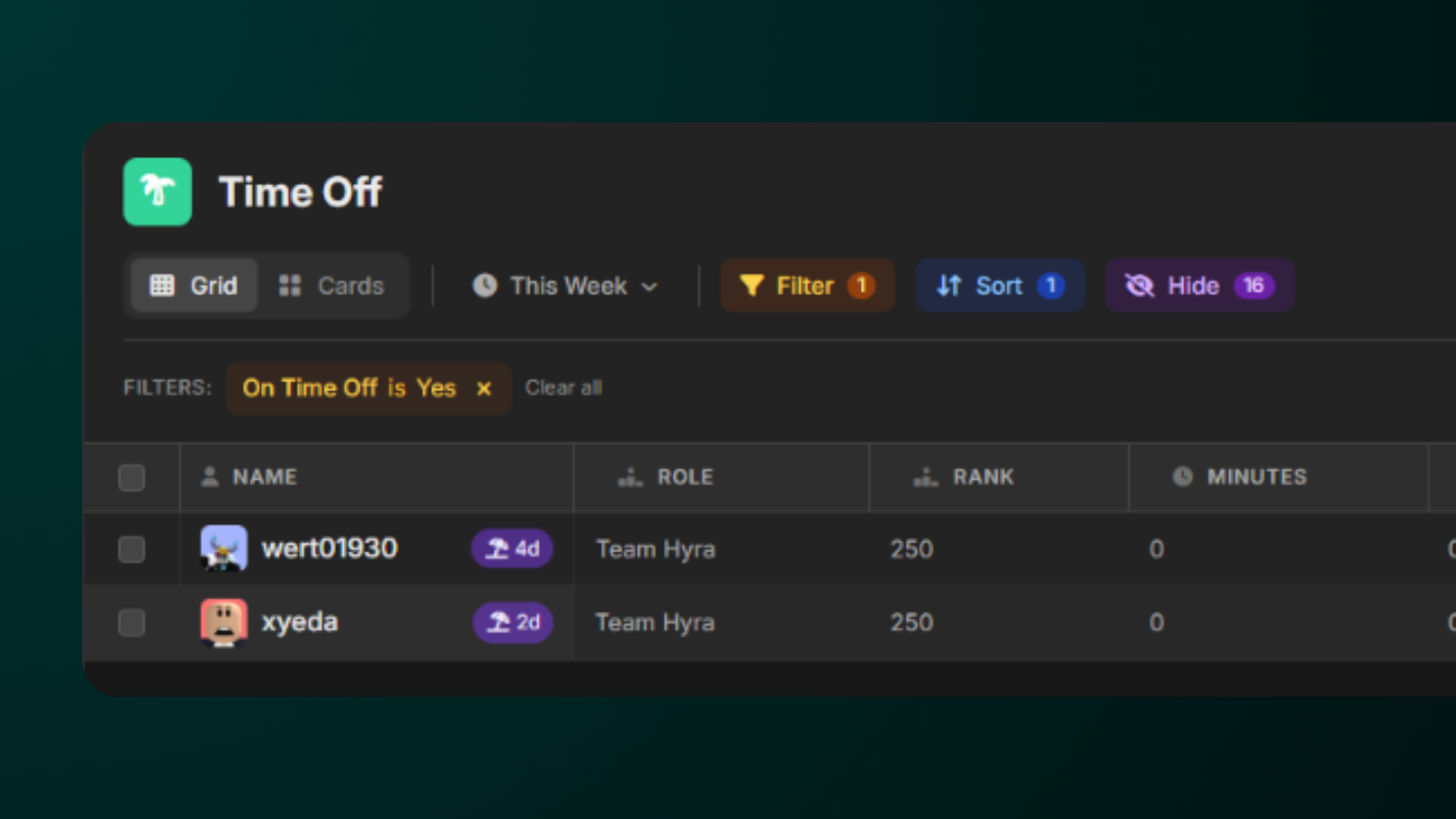
Additionally, you can also filter staff members who are in time off via Views.
Under Filter, select 'On Time Off' and select 'Yes'.
.png)