
Categories allow you to categorize your content in your Knowledge Base. From locking content to only a handful of people to allowing everyone to access it.
ℹ️ You'll need the Update Knowledge permission to do this.
-
**Go to the Categories Page **
Navigate to the Categories page by going to Knowledge > Categories -
Create a Category
Hit Create Category at the top right corner and a popup should appear.
-
Configure the Category
Configure the category, from giving it a name, icon, color, and choosing the access.
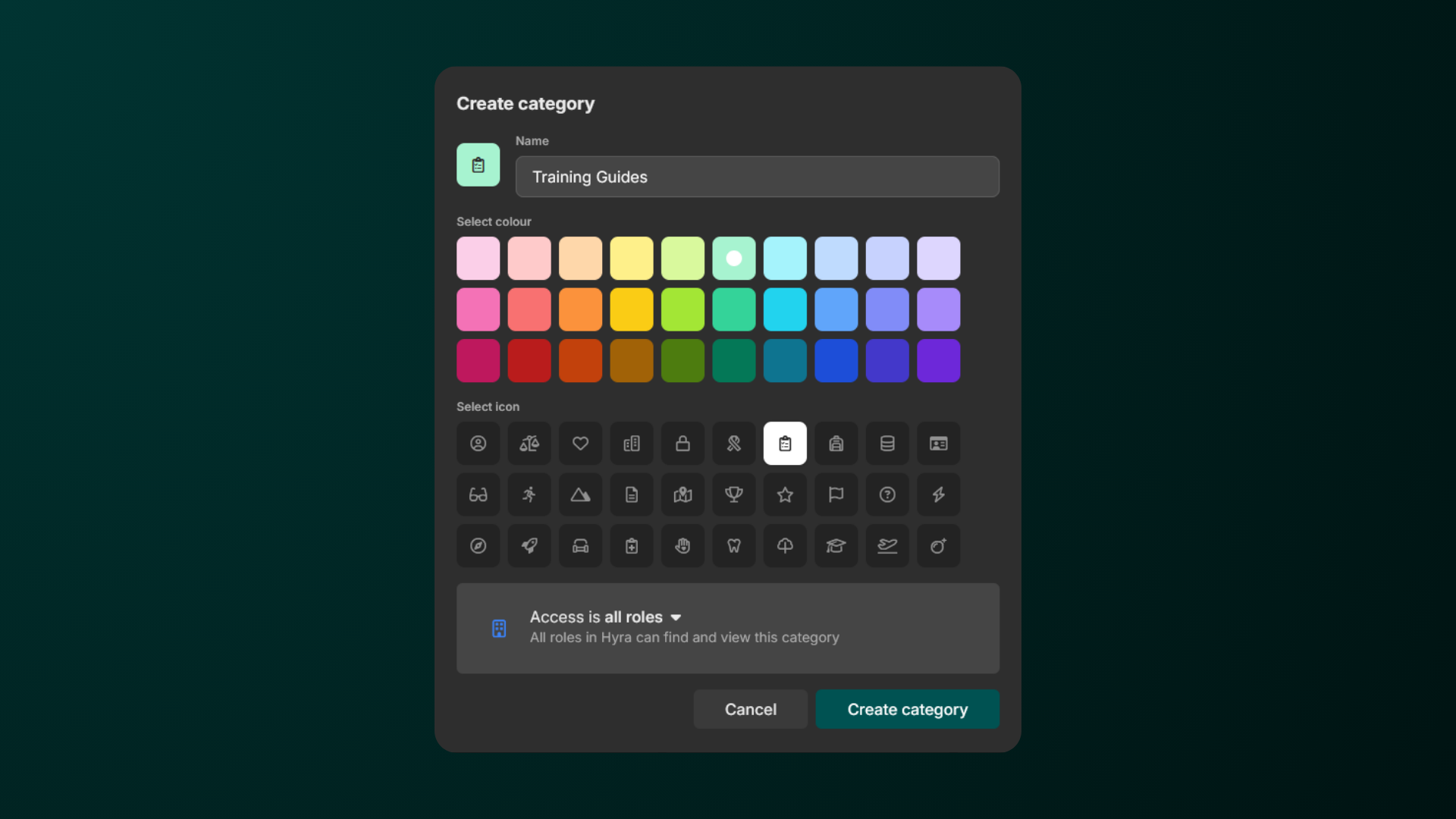
If you’ve set up the access as Restricted, you’ll need to select which roles will have access to the category on the next popup.