Assignments in Hyra allows you to give out tasks to your staff. At the end of the week it will be automatically checked and recorded.

Creating Assignments
-
Go to the Assignment Settings Page
To do this, head over to Workspace Settings > Assignments.
-
Create an Assignment
Once you are in the Assignment Settings page, click Create Assignment. It should create an assignment named “New Assignment”
-
Configure your Assignment
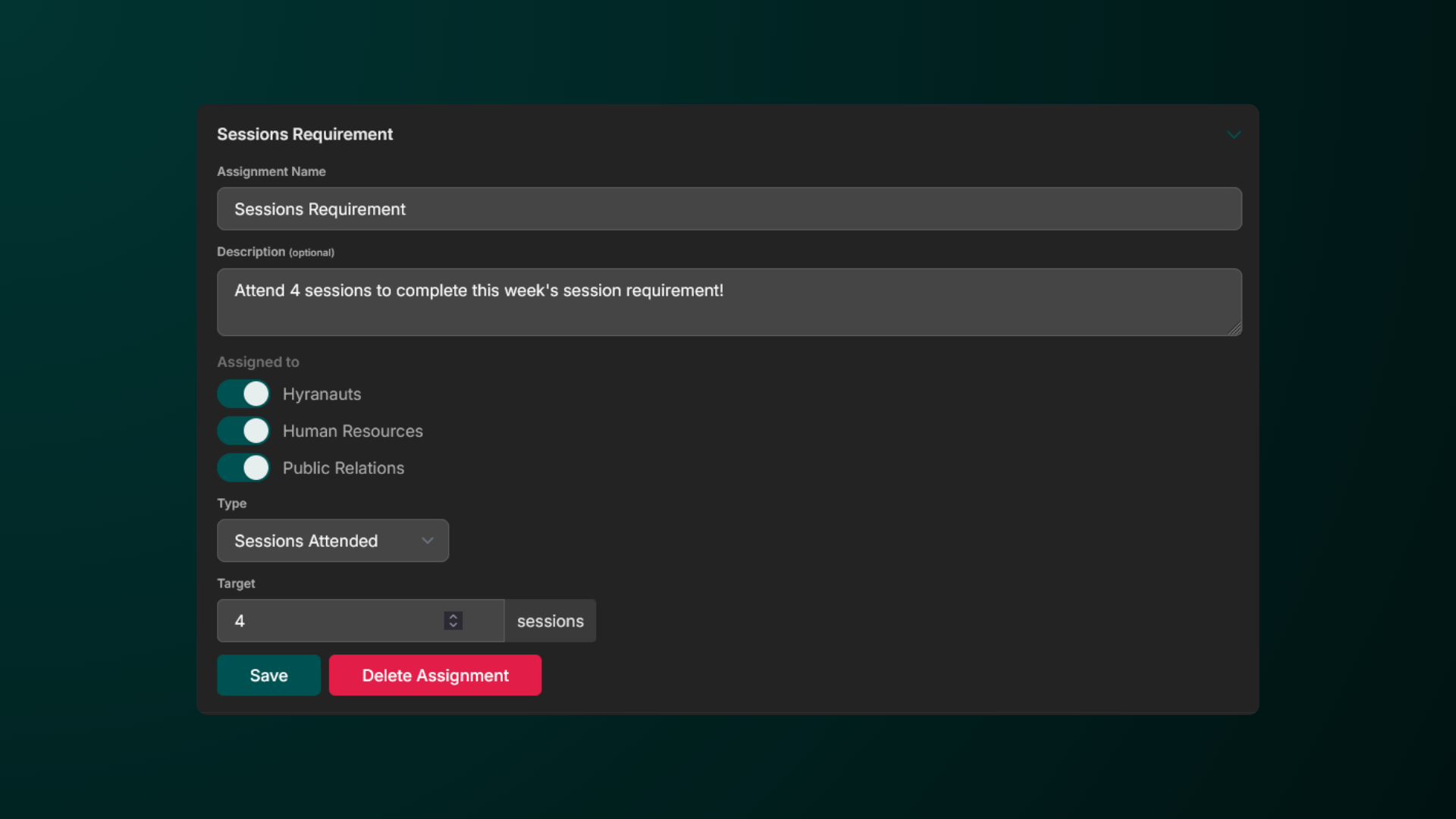
Give it a name, description, assign which roles will receive it, select it’s type, and target if shown. Be sure to save your changes!
Assignment Types
In Hyra, there are different types of assignments that you can hand out.
| Assignment Type | Example | | Minutes in GameThis type of assignment will require your staff to play a specific amount of minutes in your game.You must have the Activity Tracker or **Manual Punch **set up in order for your staff to start collecting minutes. | | | Sessions AttendedThis type of assignment will require your staff to attend a session (any roles) and get logged as part of the session in the Session Calendar. | | | Sessions HostedThis type of assignment will require your staff to be the Host of the session and get logged as the host of the session in the Session Calendar. | | | Checkbox AssignmentThis type of assignment will require your staff to manually press Mark as Complete in order for the assignment to be marked as passed. | | | Zero AssignmentAssignments with a 0 target behave differently to other assignments - These will not display in the user’s ‘assigned’ view, but will show everywhere else, including the user’s history. | |


