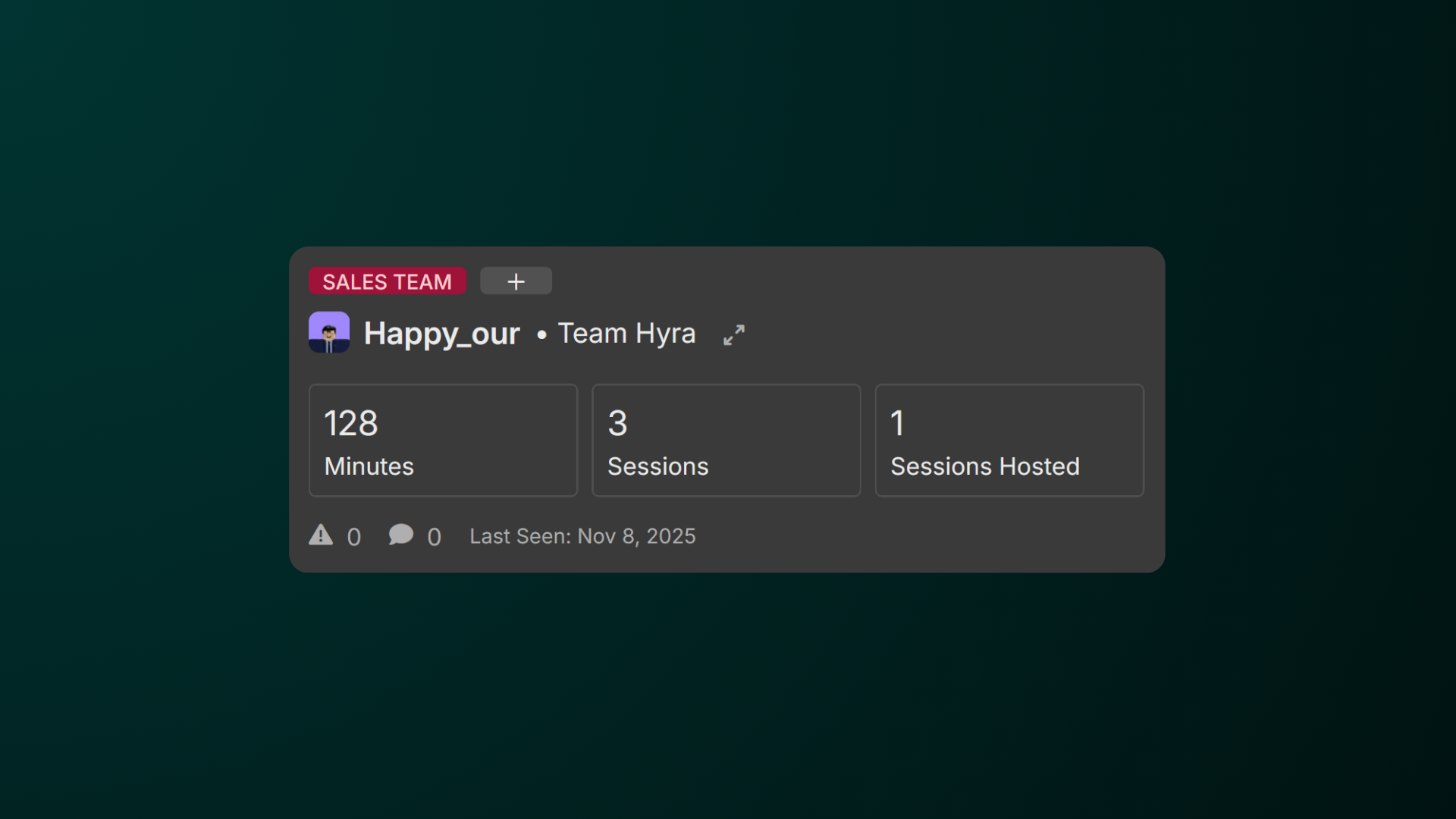
Labels are useful tool to group staff members. They can also be used to filter staff members in the Activity Tab.
-
Head over to Workspace Settings
Click the cog icon on the bottom-left corner of the screen and head over to the Labels section. -
Create a Label
Click Add Label and hover to the new label created. -
Edit the Label
Upon hovering, click the Pencil icon to edit the label. Give it a name and choose a color.
To delete a label, simply click the trash icon beside the edit button.