The Manual Punch is a feature in Hyra that allows staff members to manually start and end their shifts. This is designed for groups that might not perform all of their activities within their games and require staff to clock in and out of their activities.
To punch in and out, go to the Activity Page, and then select 'Punch'. The system will log the start as a new activity.
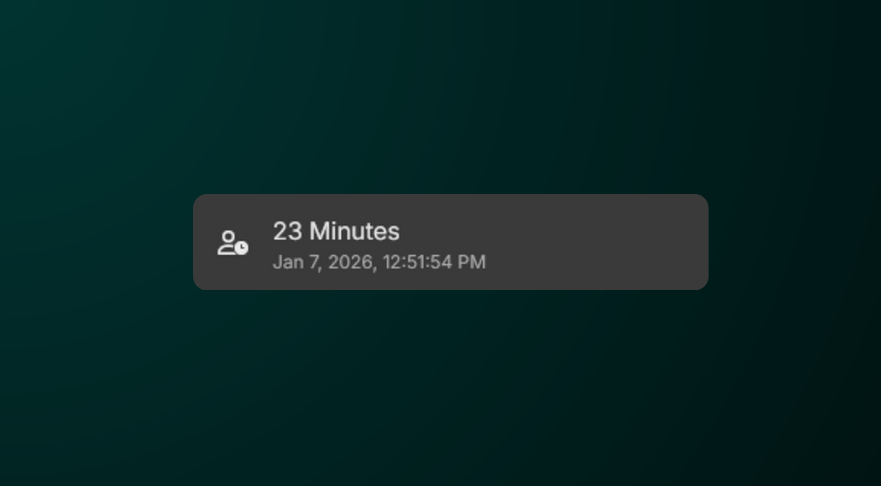
Once you have finished the task or shift, select 'Punch' again and your activity session will be closed.
If you don't see these the Punch button, your account lacks the required permissions. If this is a mistake, please contact an administrator for access.