Sessions are one-time or repeating events that occur in your community. In order for Hyra to log how many sessions you've made, you'll need to be added in a session.
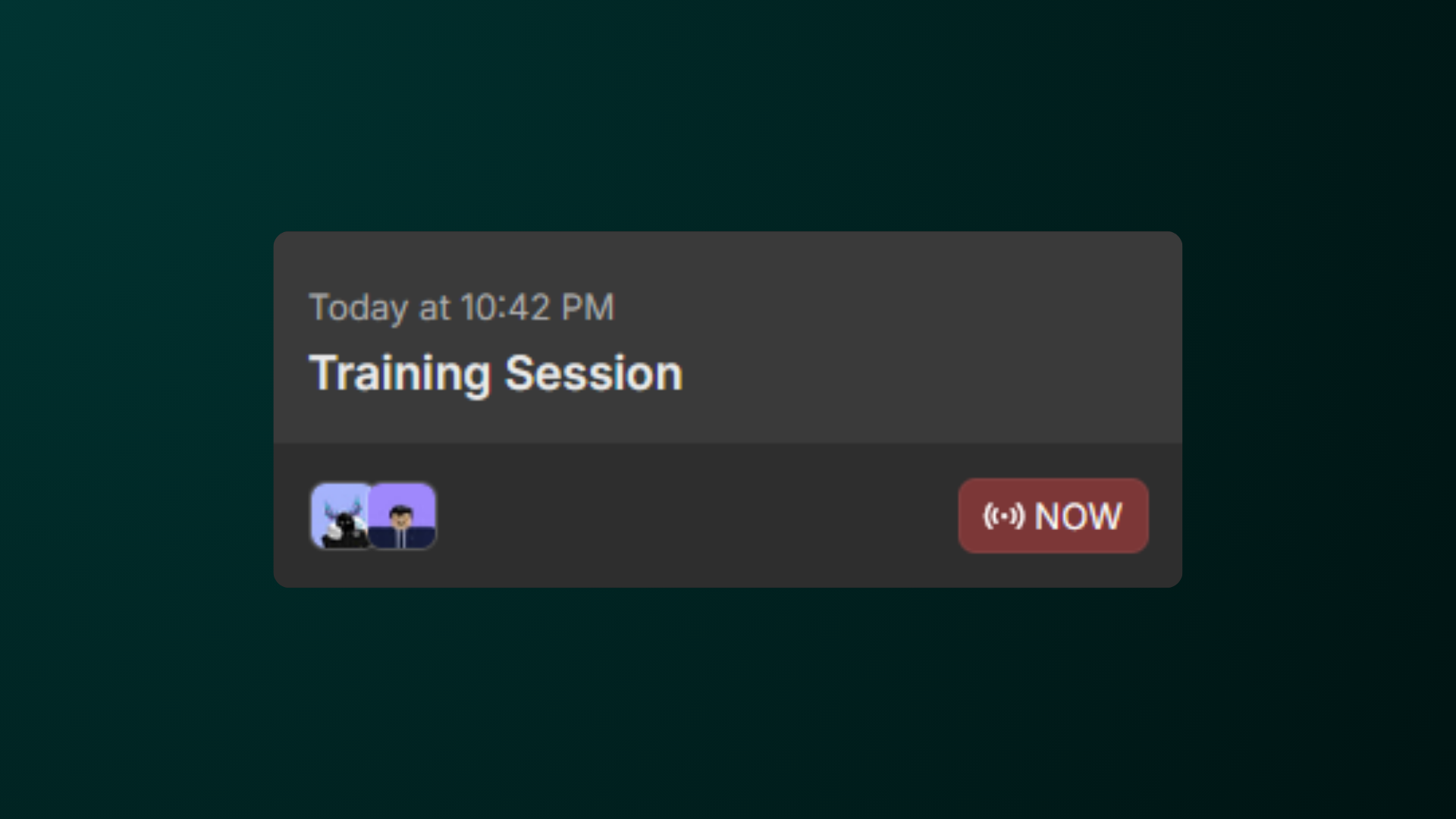
Host and Co-Host roles require additional permissions. If these options are missing, please contact an administrator.
Joining Sessions
To join a session, follow the information below:
-
Go to the Session Calendar
To first join a session, first go to the session calendar by going to Activity > Sessions. -
Select a Session
In the Session Calendar, select a session that you want to join.
Note: You can also to switch the day that you want to view by clicking on the week above. -
Join the Session
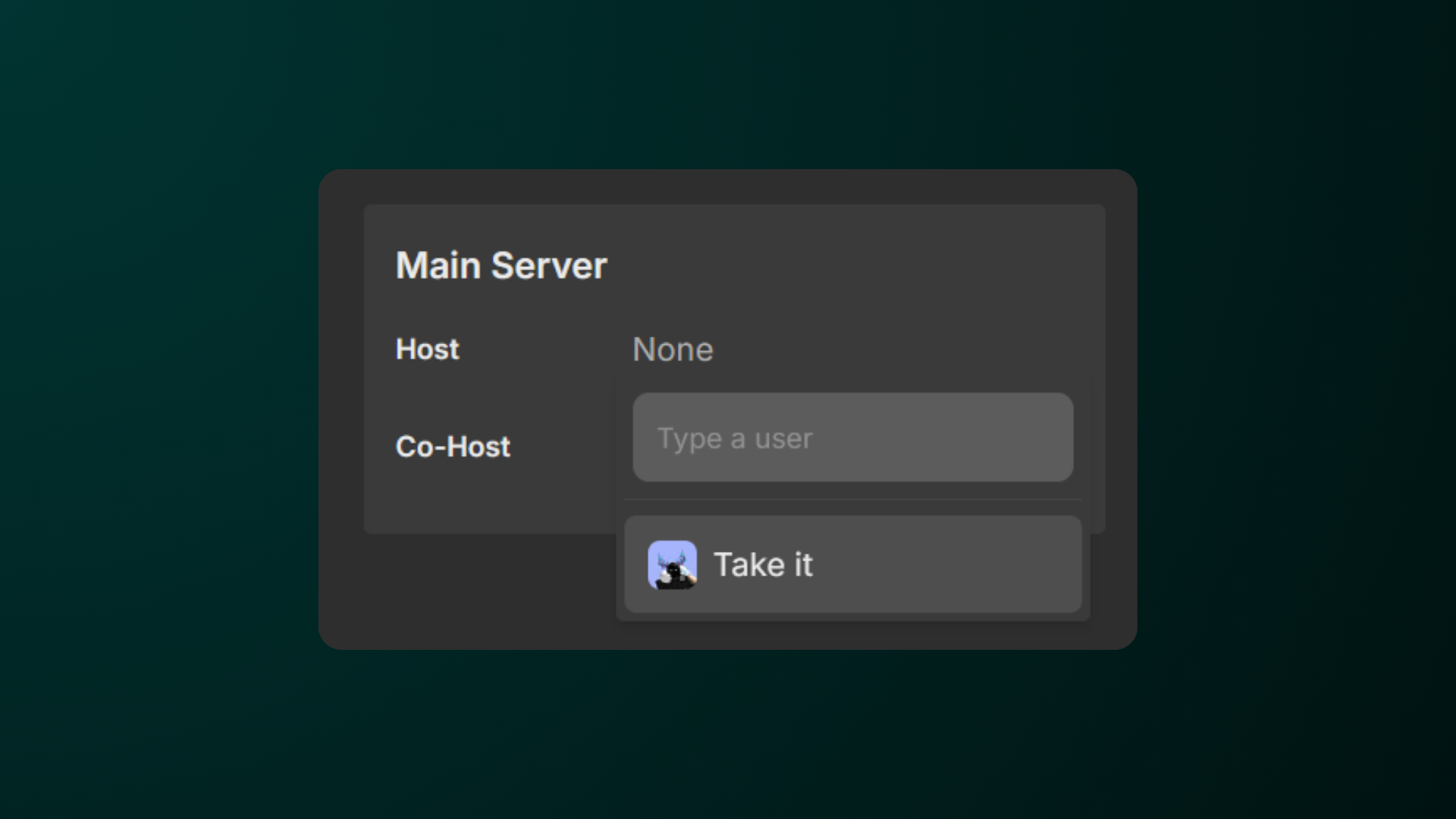
In the popup, select a role that you want to join and hit “Take it” to take the role.
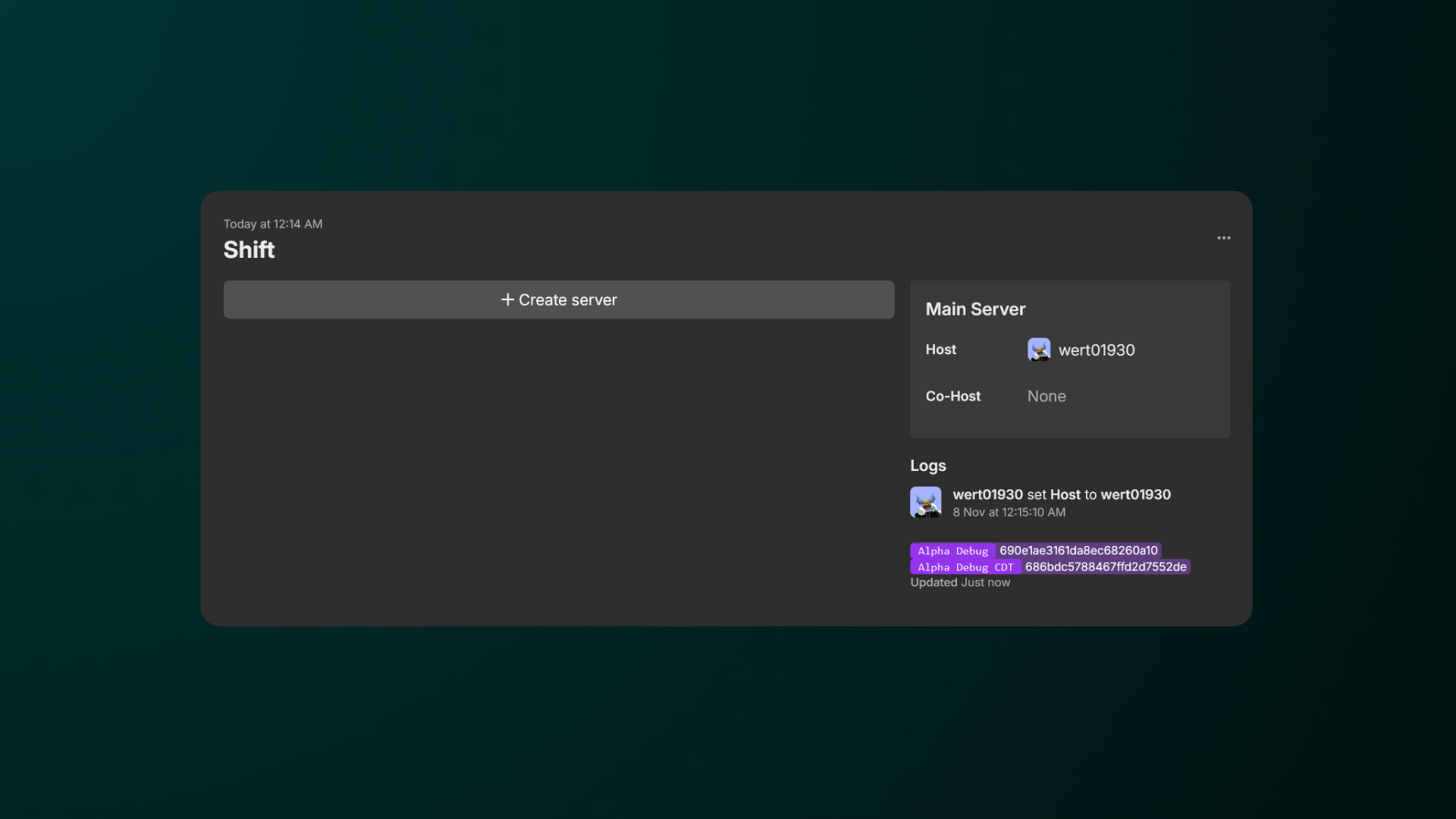
Can’t see any servers?
That may mean that this session doesn’t have any servers as of now. Check back later if there’s one available.
Note: For those who have Create Server permission, simply click Create Server to generate a new server.
Assigning Roles to Other People
If you need to manually log staff into your session, you can manually assign them to the session too!
-
Go to the Session Calendar
First go to the session calendar by going to Activity > Sessions. -
Select a Session
In the Session Calendar, select a session that you want to assign to someone.
Note: You can also to switch the day that you want to view by clicking on the week above. -
Select a Role and Search for their Username
In the session, type in the username of the staff that you want to assign the role and select their username in the dropdown.
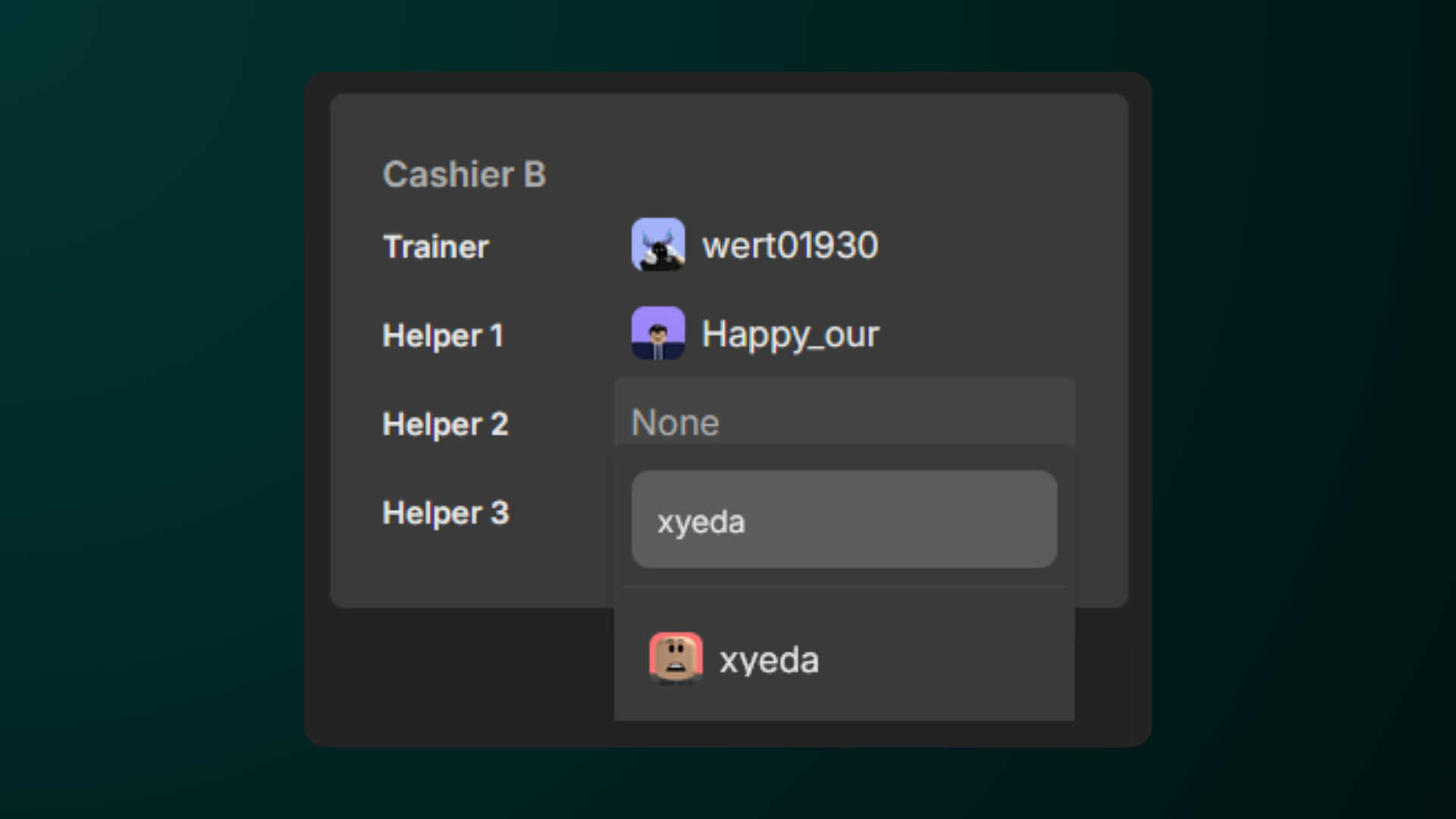
Assigning roles to other people require additional permissions. If these options are missing, please contact an administrator.