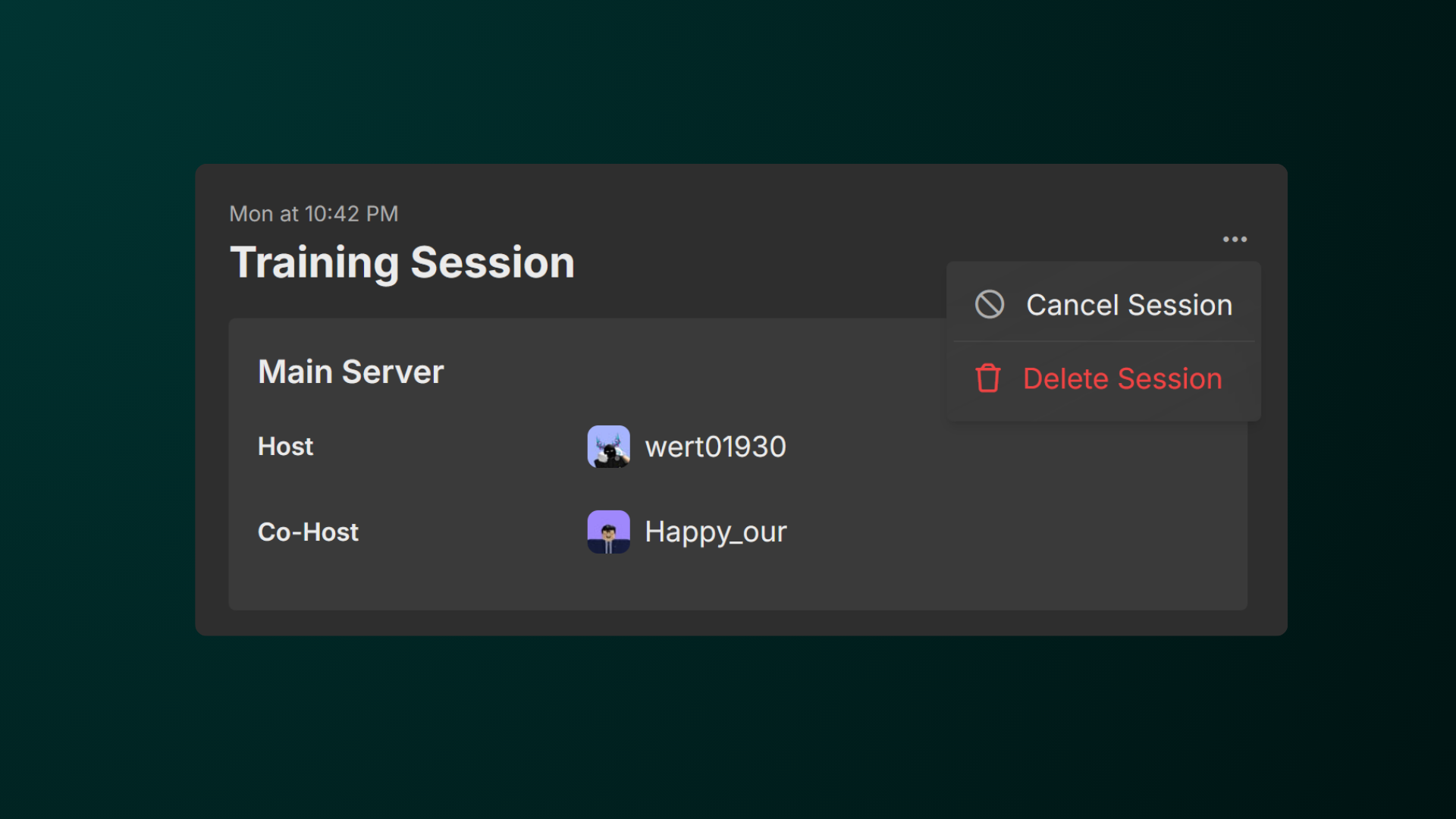
There are times that we may need to cancel a session. This maybe because of unforeseen circumstances or no staff members have joined the session. This guide will help you cancel a session in Hyra.
If you don't see these options, your account lacks the required permissions. If this is a mistake, please contact an administrator for access.
Cancelling a Session
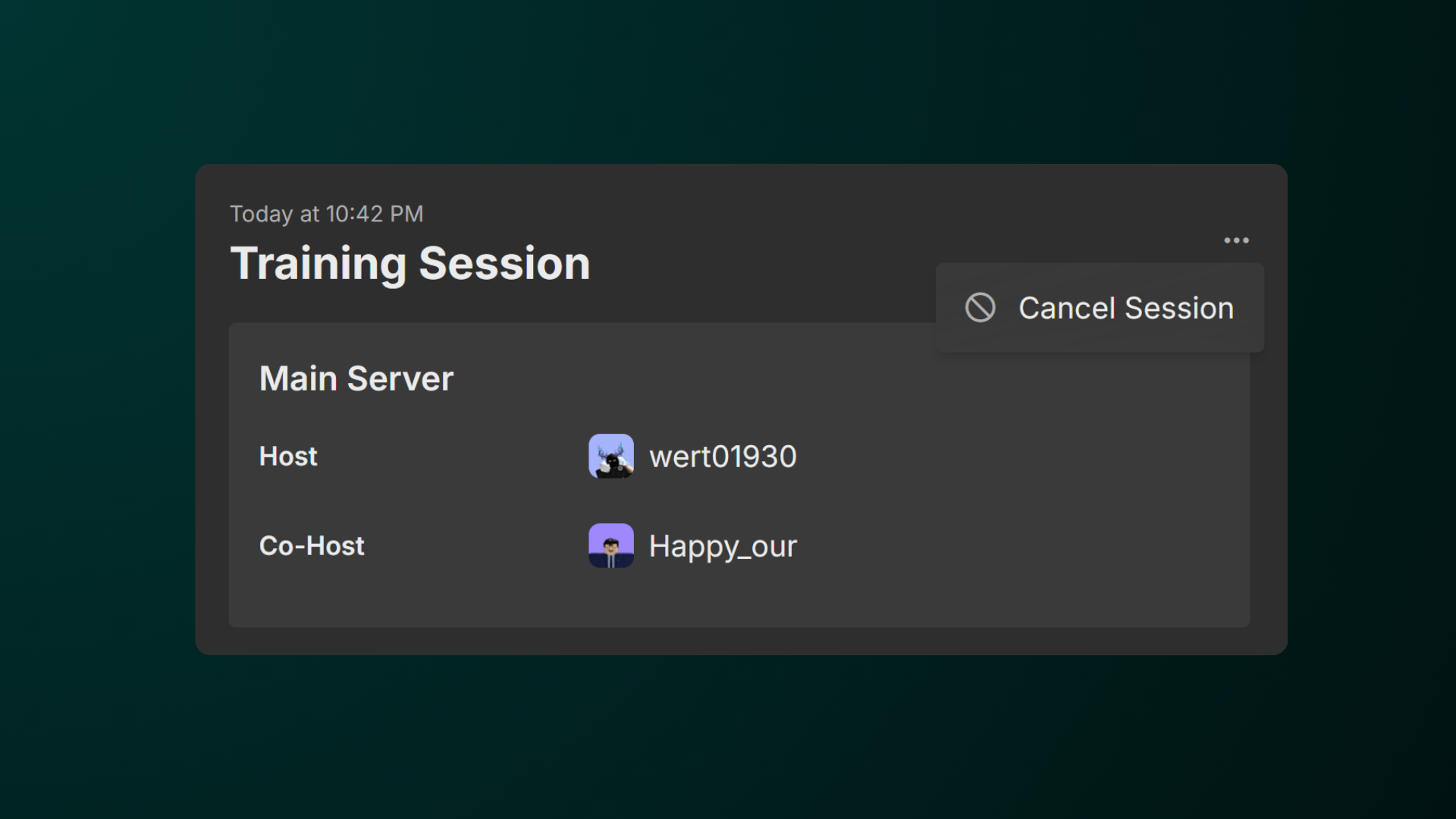
To cancel the session, simply click the three dots and select Cancel Session.
Deleting a Session
The same goes to deleting a session, simply click the three dots and select Delete Session.
-
Delete Sessions (for regular sessions)
-
Delete Adhoc Sessions (for ad-hoc sessions)