Hyra’s Time Off feature allows your staff to file an Inactivity Notice that let your department know that they will be gone for some time.
Creating an Inactive Notice
-
Go to the Inactivity Page
Firstly, go to the Inactivity Page by going to Activity > Inactivity.
-
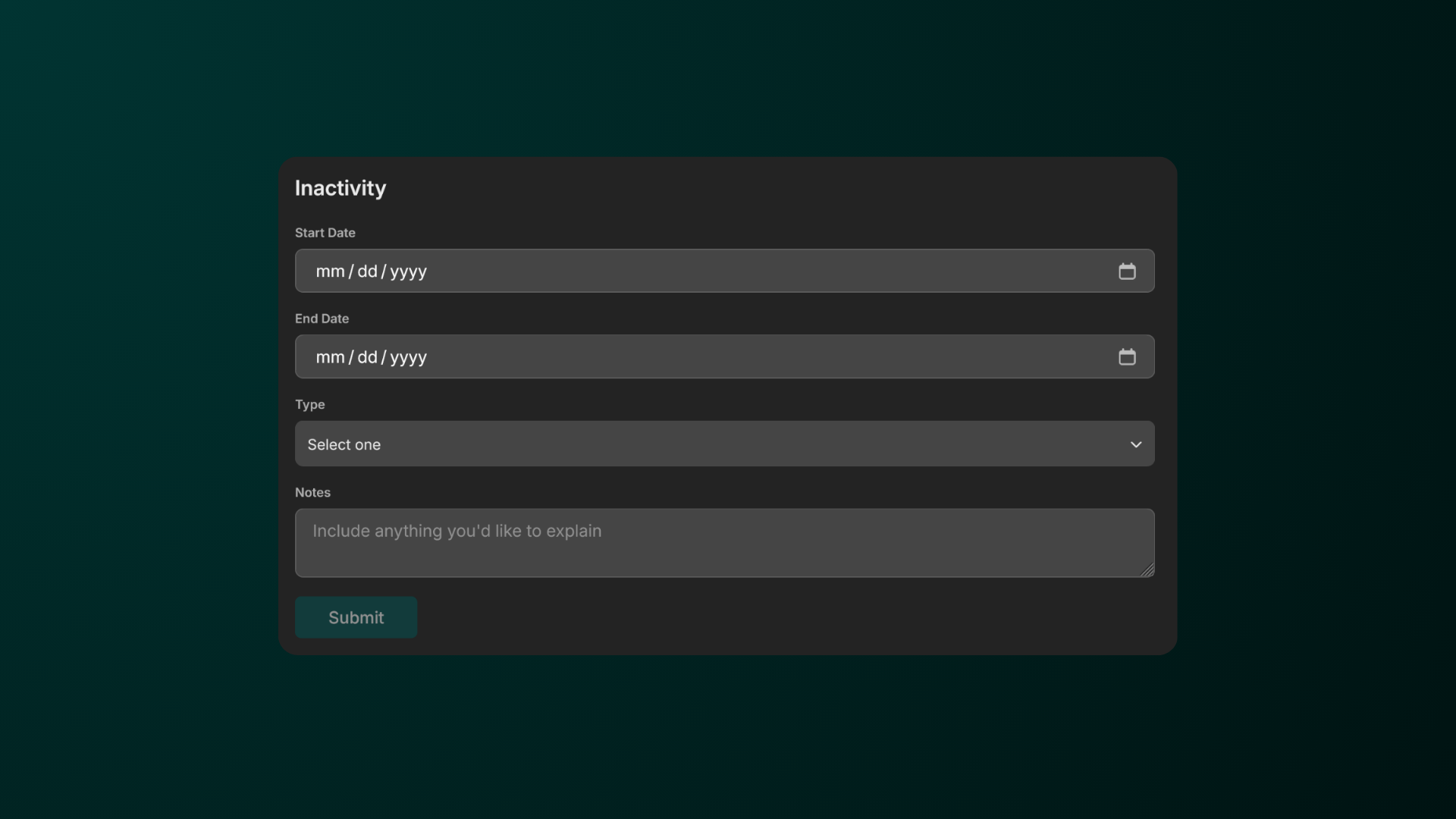
Fill in all of the fields
Fill in all of the required fields, from when will it start and end, type of inactivity, and notes.You can use the notes field as a space to add your reason or give extra info about your notice.
-
Wait for your notice to be accepted
Once you’ve hit Submit, it will show up as Pending status. You can also cancel the notice by clicking Cancel.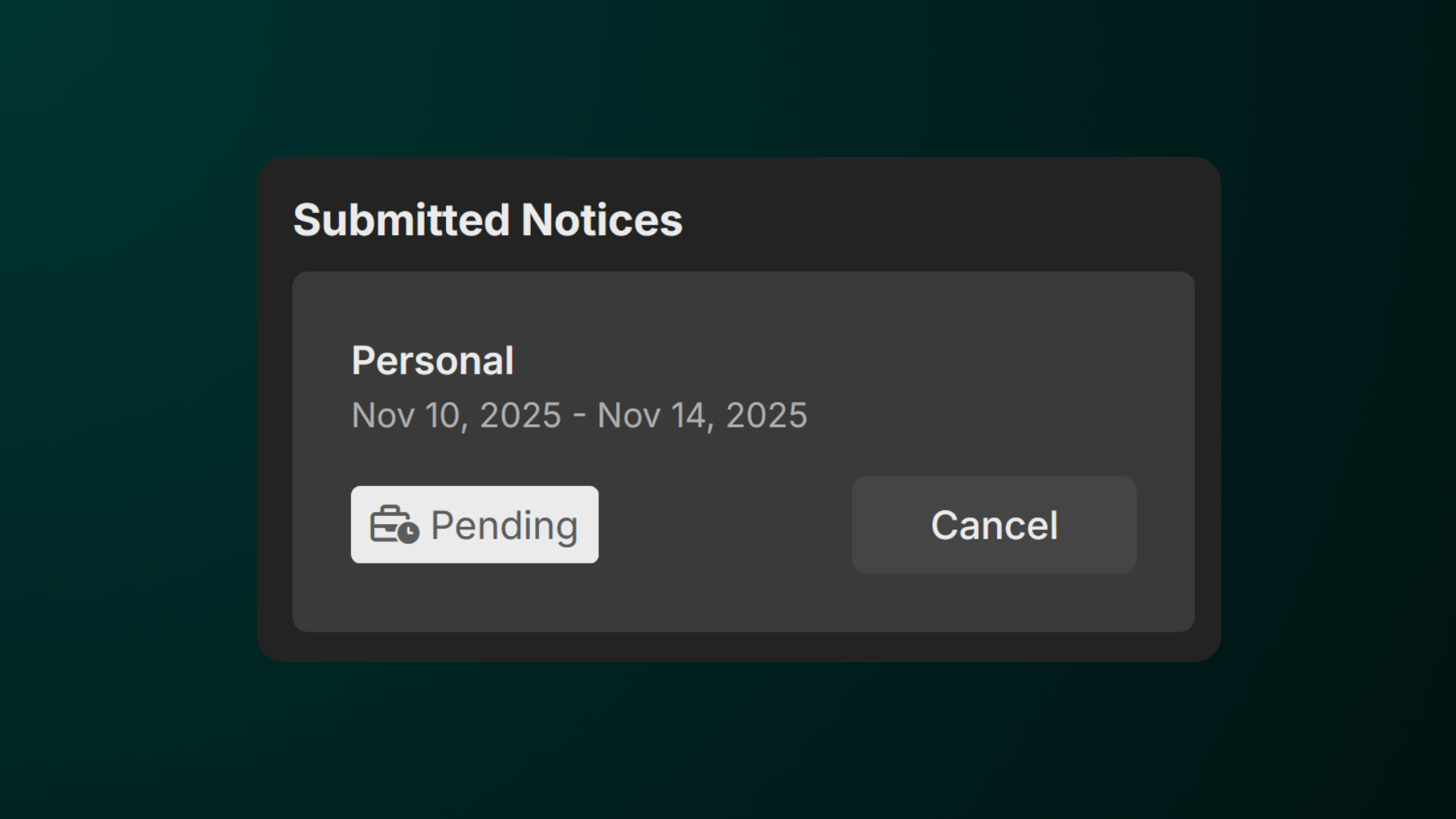
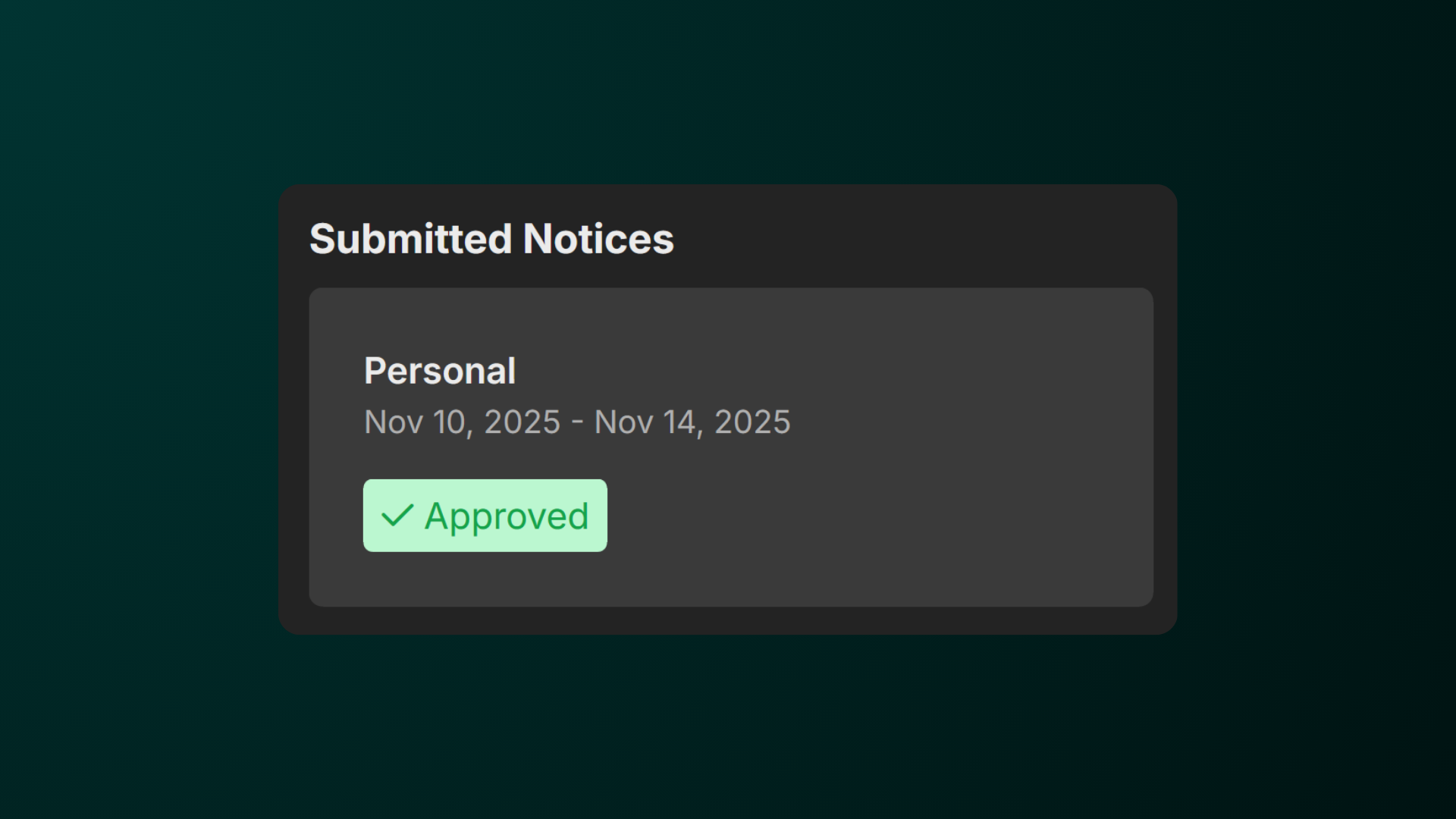
If your notice got accepted, it will show up as Approved.