Hyra is legally required to collect billing address information so that we can accurately collect and remit tax for your location.
If you need to add or change your billing address, please follow the instructions below.
ℹ️ If you are exempt from tax collection in your jurisdiction, please contact our team
Step 1: Go to Workspace Settings
Go to your Workspace Settings on any workspace (you need to be a Workspace Admin to see this)
| Desktop Devices: | Mobile Device: |


2. Select Billing
Press 'Billing' in the side menu to take you into the billing options

3. Billing Information
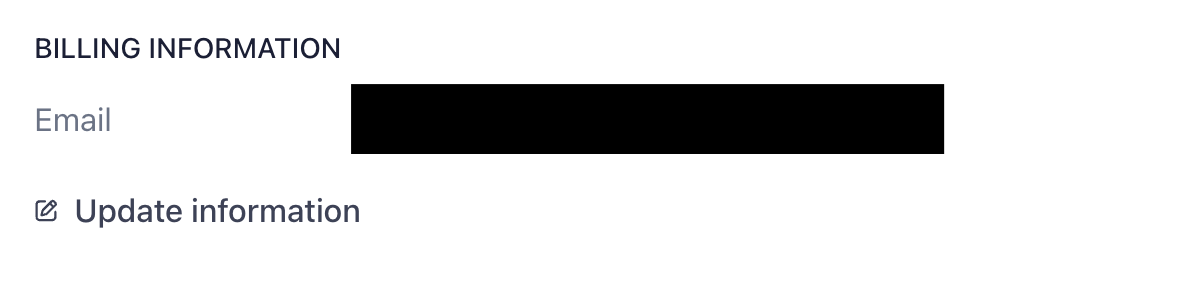
Scroll down in the Billing screen to 'Billing Information'
4. Update Information
Select 'Update Information' and input your new address information and press save
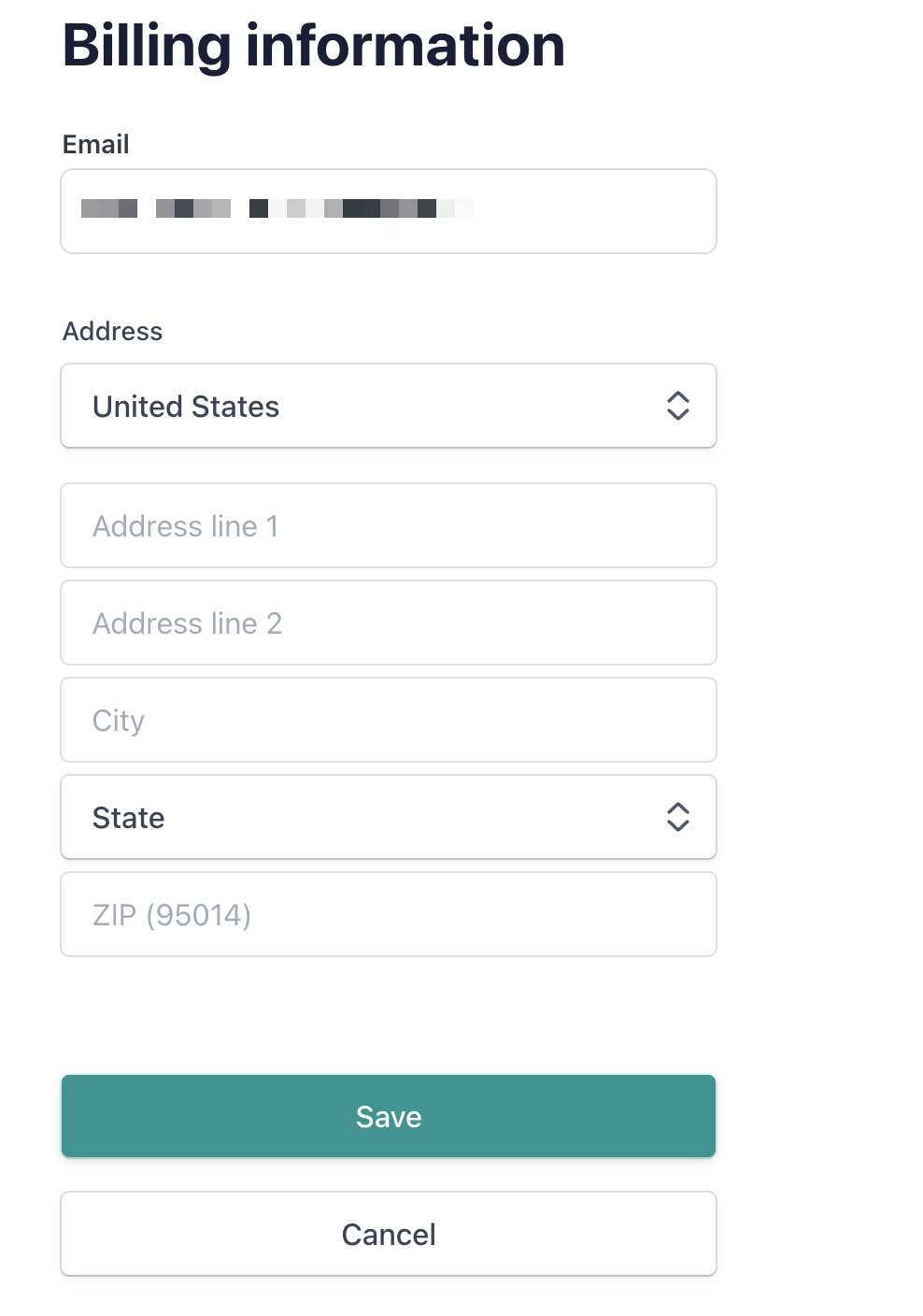
Your Billing Address is now updated!
If you need to have separate billing addresses for different subscriptions, please contact us and we will be happy to help!