
Hi there!
We've shipped a new small feature which allows you to categorise your sessions and helps your staff members to filter sessions in their session calendar.
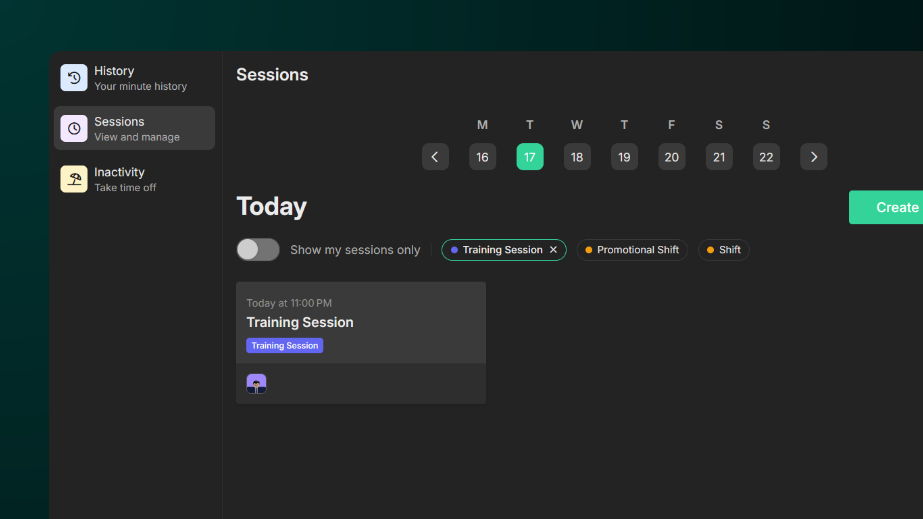
To create a session tag:
-
Go to Workspace Settings > Sessions > Tags and click the + icon.
-
Click the Pencil icon to edit the tag.
-
Give it a name and select a colour for the tag.
-
Hit Save to save your changes.
To delete a tag, simply click the X icon beside the pencil icon and click Delete to confirm deletion.