
Hi there,
On today's update, we are excited to launch Workspace Analytics and Personal Views in the Staff Dashboard! Check out today's changelog:
Workspace Analytics
Workspace Analytics helps your department to visualize trends at a glance.
Compare trends between a few days to all-time activity and drill into the details by simply hovering over any point in the chart!
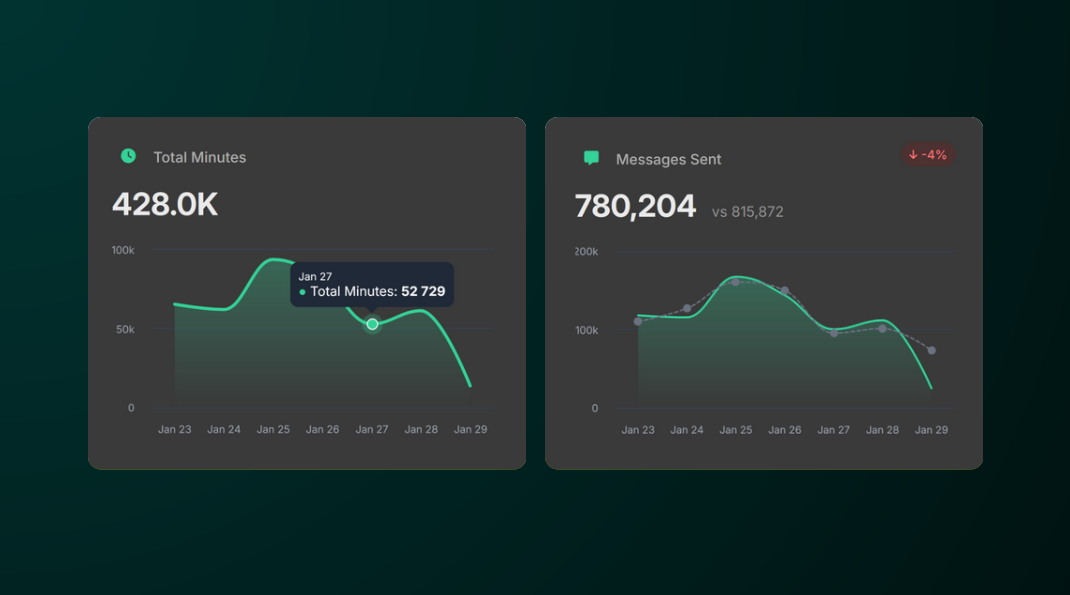
Access the Analytics page by going to Staff > Dashboard then clicking the View Analytics button in the top-right corner.
Personal Views
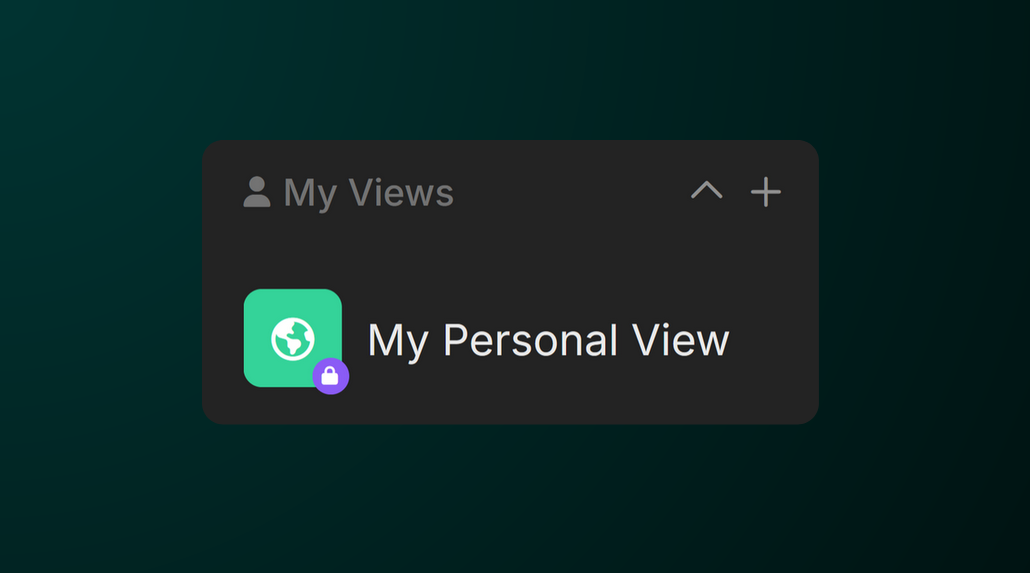
We've updated the Views feature to give you more control. In today's update, you can now create custom views that are private to you!
To create a personal view, head to the Staff Tab and scroll down until you see Personal View. Click the + icon and create your new view!
Thanks for your continued support!